Drop your track
Upload an MP3 or WAV. Renderforest analyzes its tempo, energy and lyrics. Add a prompt or reference images if you want creative control, such as a face, a logo or a location the AI should keep.
Drop your trackUpload your song. Renderforest reads the tempo, energy, and lyrics, then AI turns your music into professional, story-driven, beat-synced videos. The cuts follow your beat. Ready for YouTube, TikTok, and Spotify Canvas.
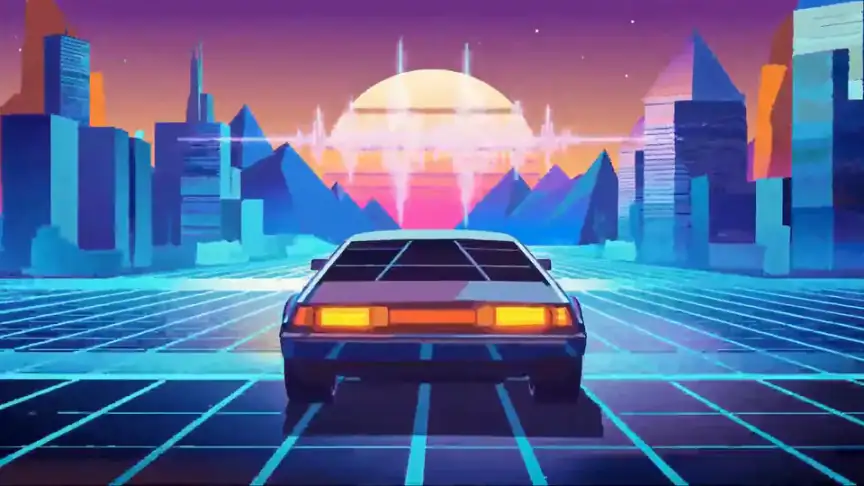
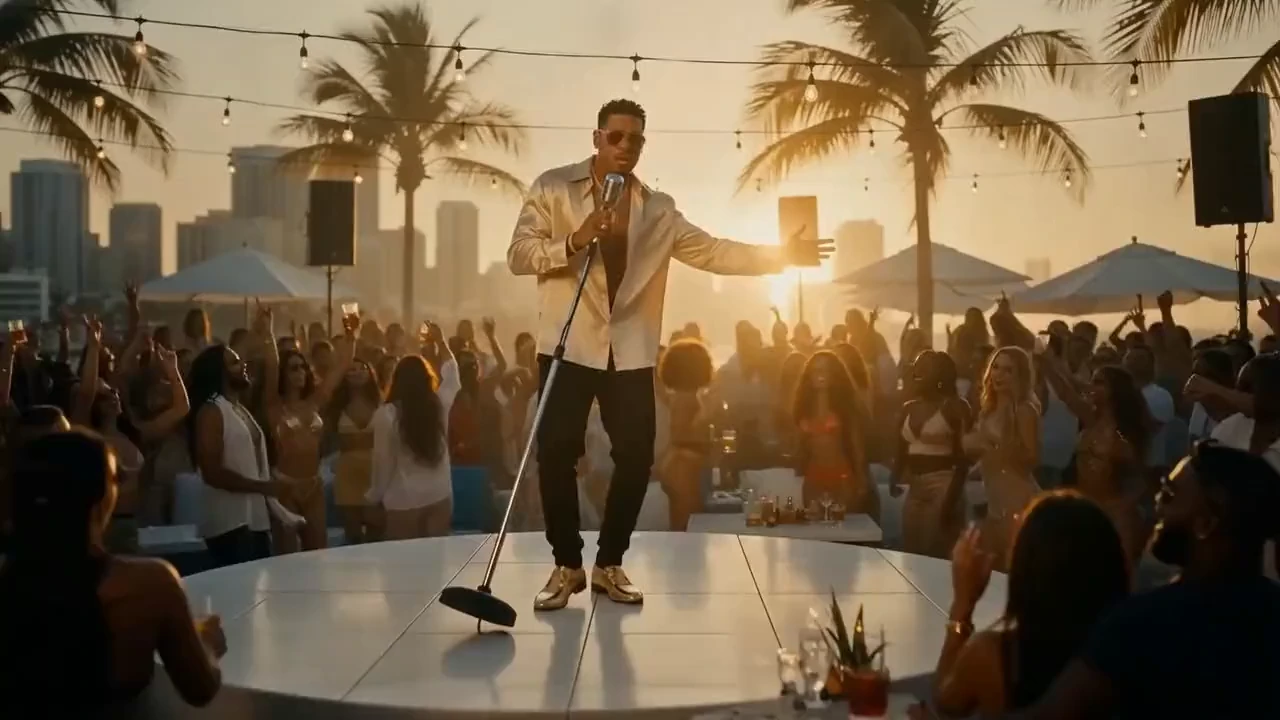
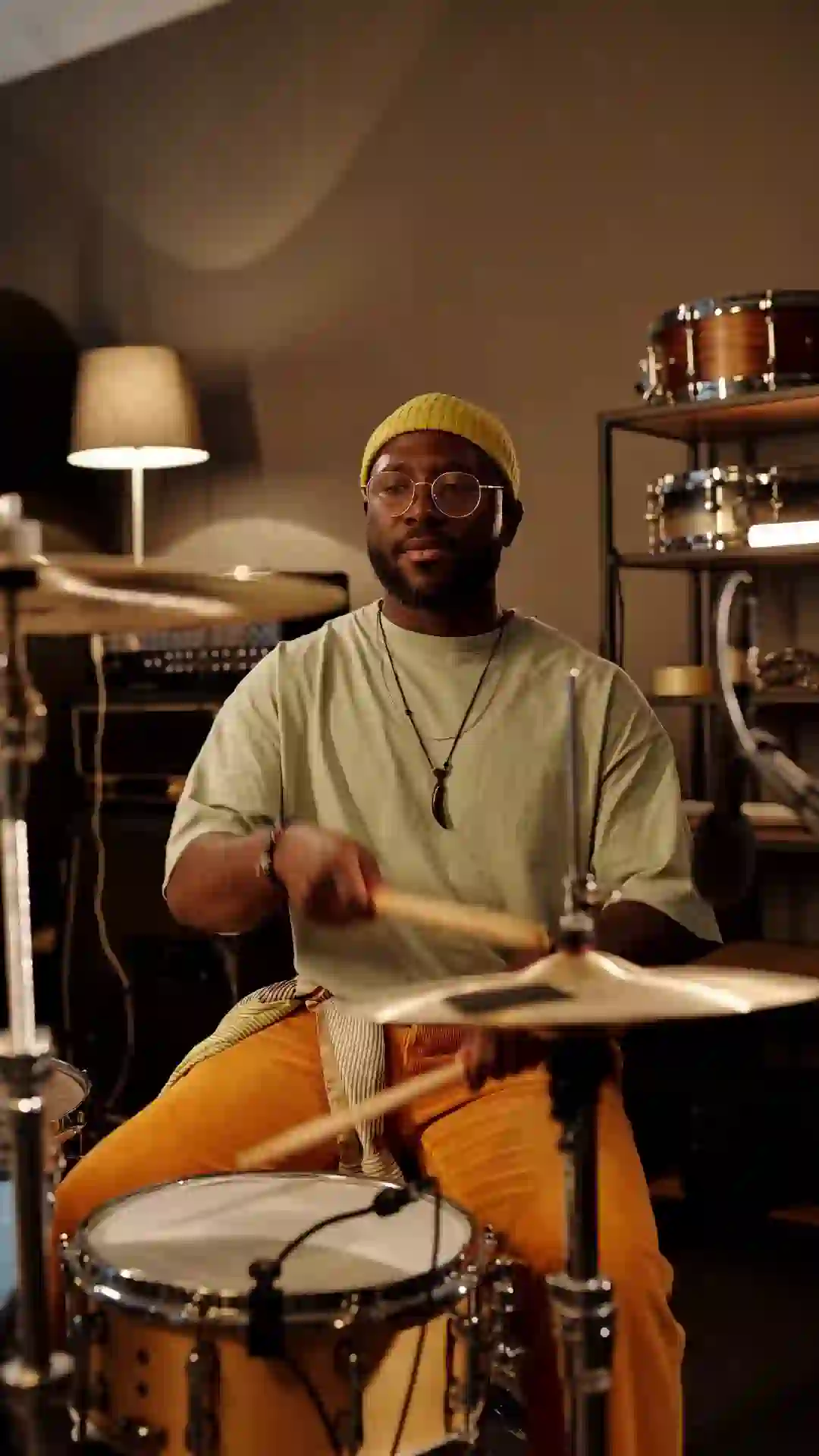

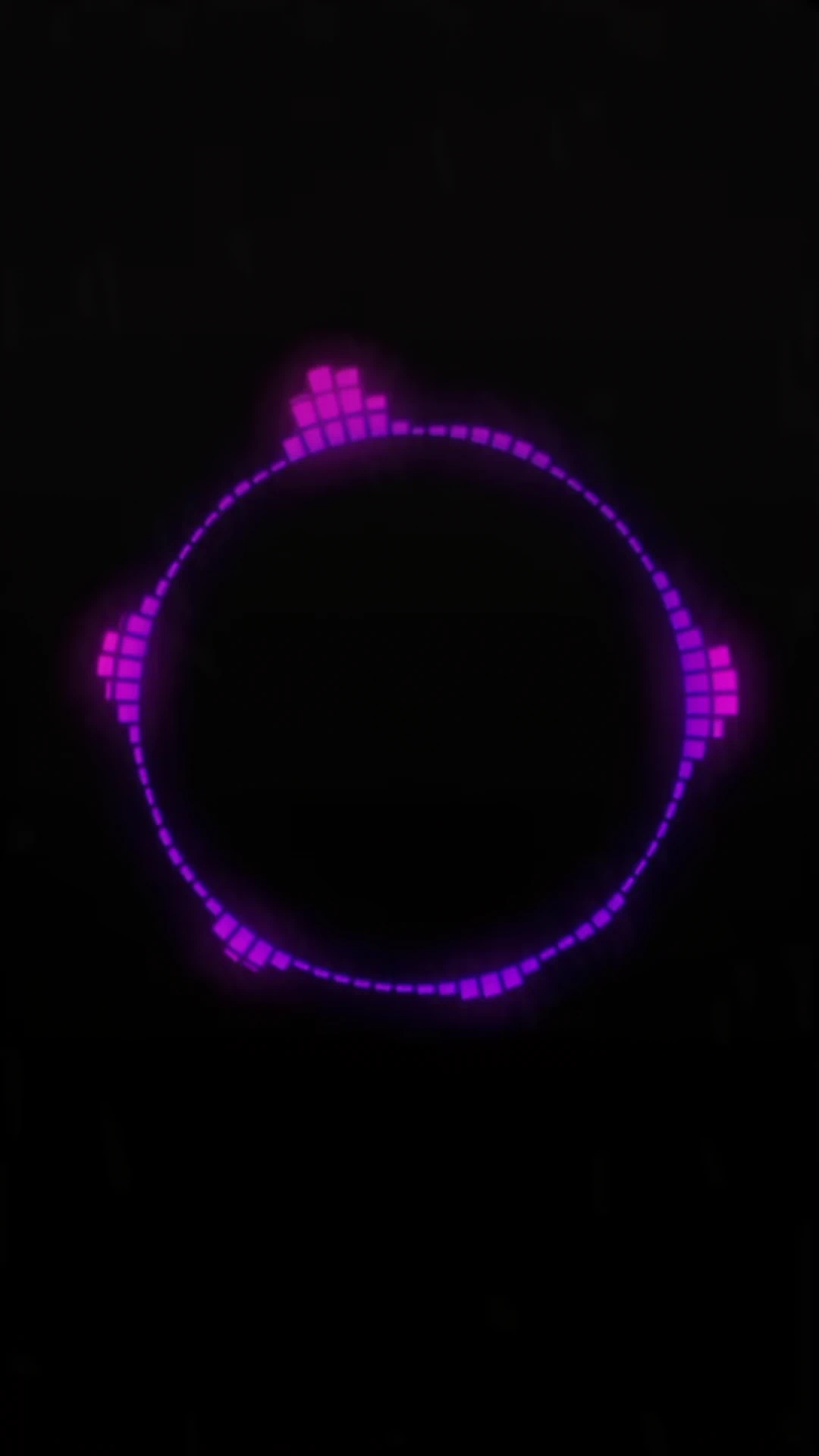
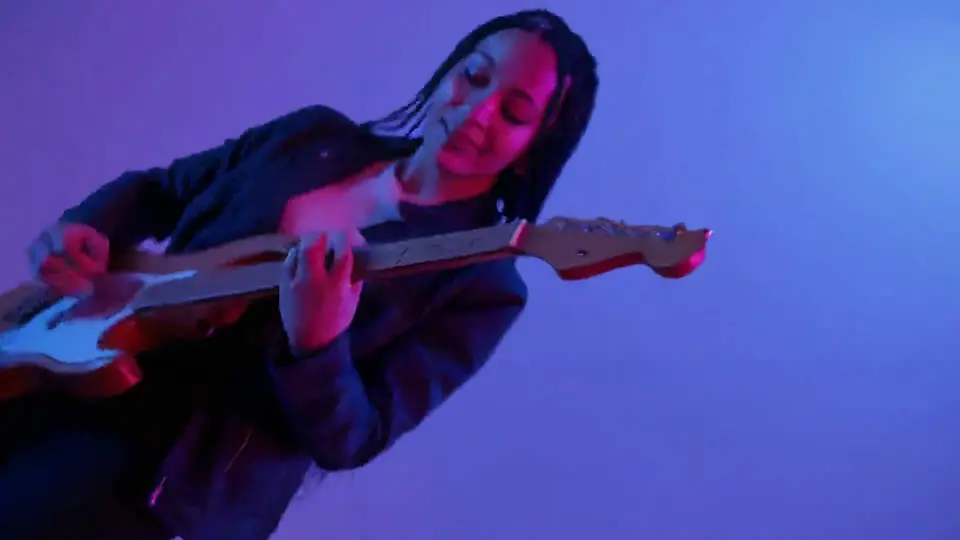
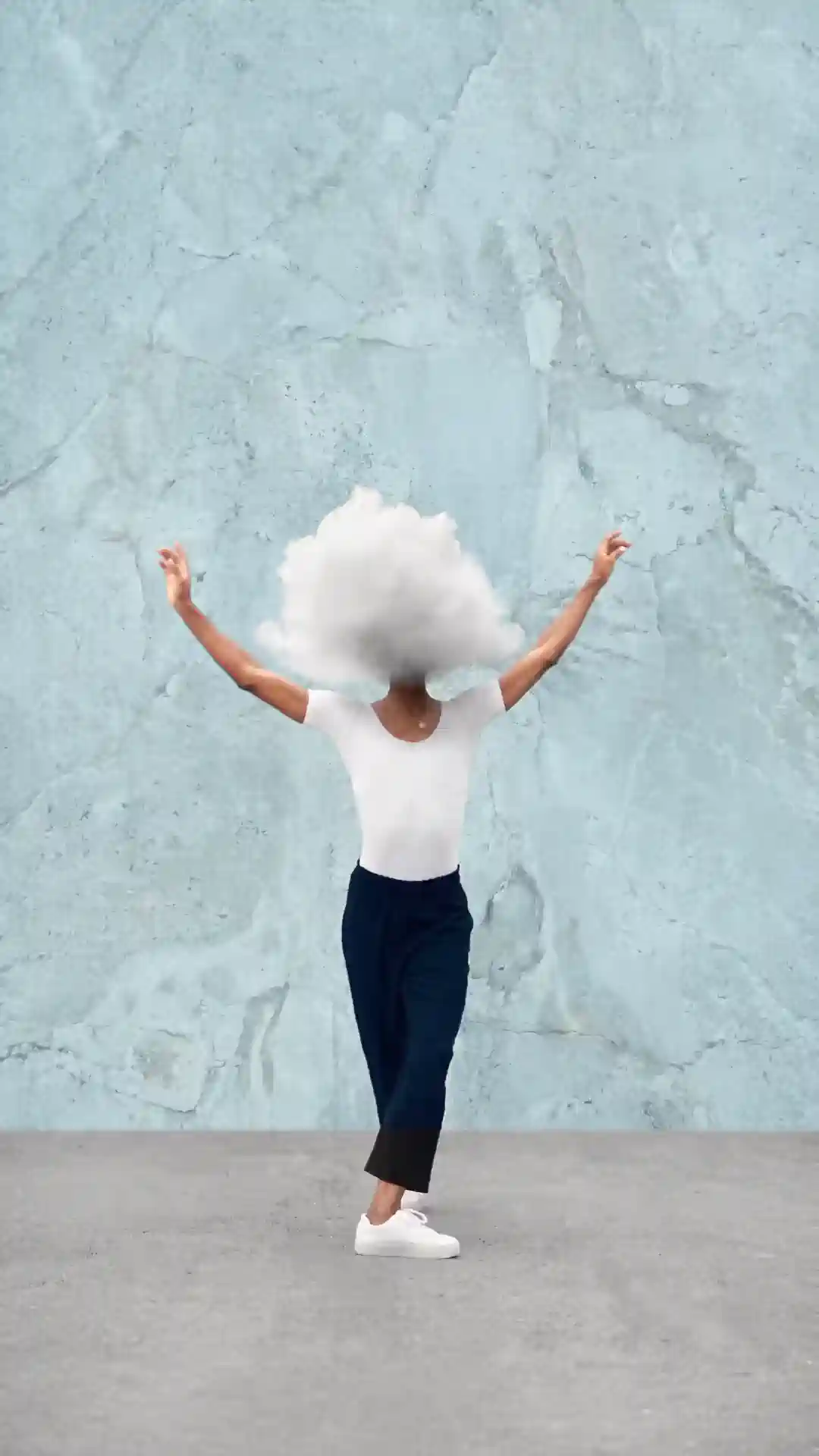
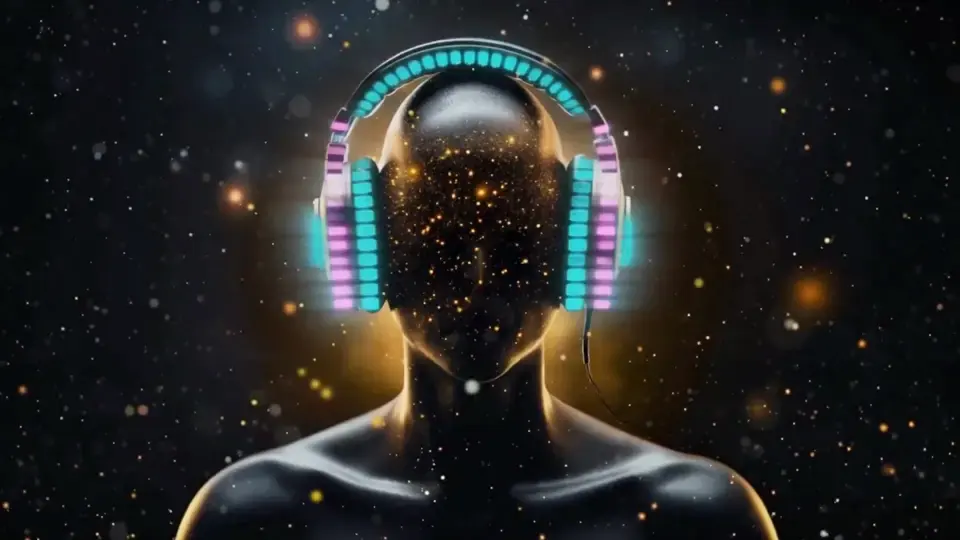
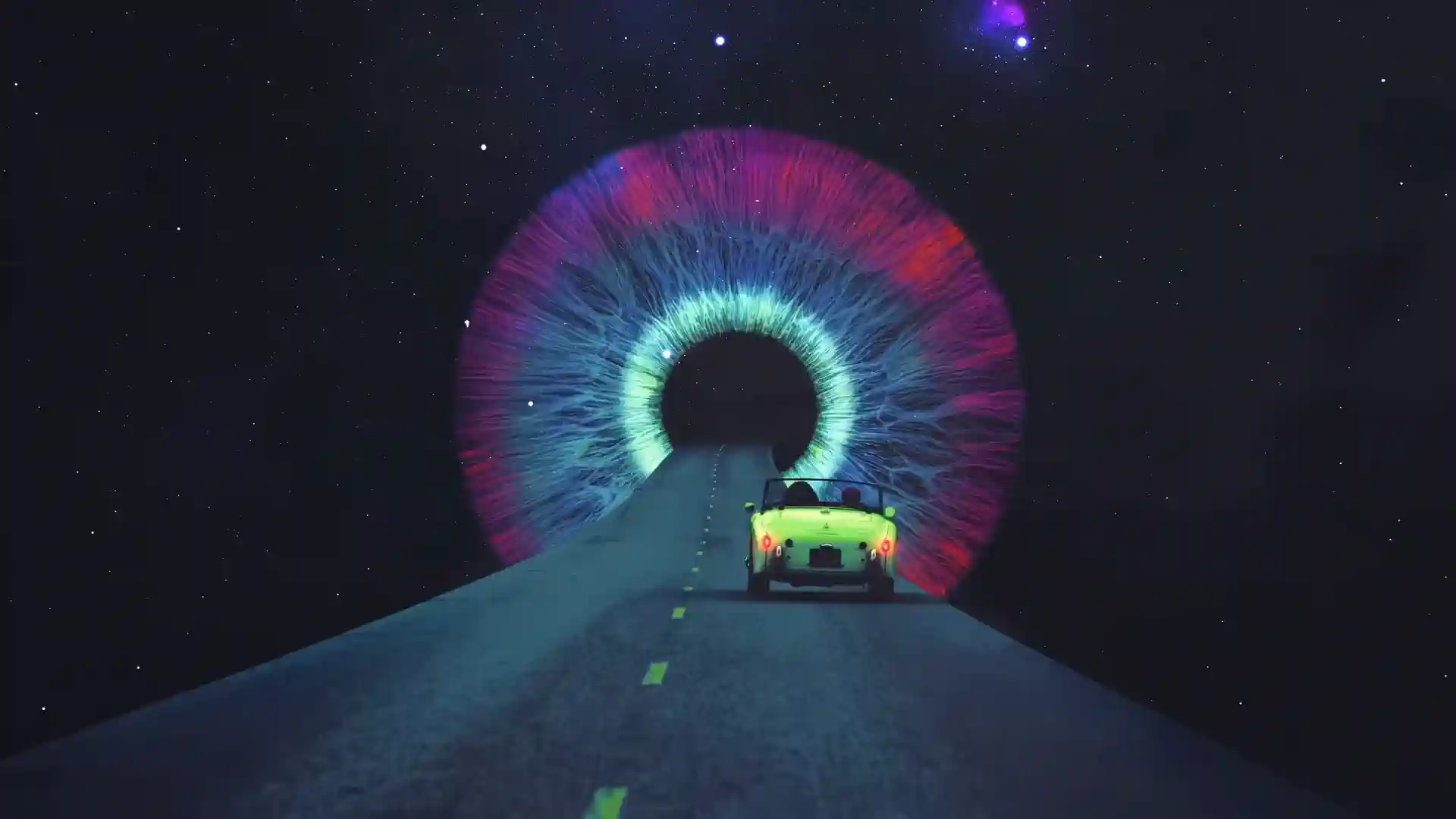
Kling 3.0, Seedance 2.5, MiniMax H3 and Pixverse, plus Renderforest's own models, all free to try with test credits. In the editor, switch any scene to Veo 3.1 or make images with Nano Banana Pro, GPT Image 2 and Grok Imagine. One plan's credits cover every model, so there are no five subscriptions to juggle.
Most “AI music videos” are clips with a song pasted on top. Renderforest reads your track first (tempo, energy, transitions and lyrics) and builds the edit around it, so scene changes follow the rhythm instead of drifting across it. Play the demo and watch each shot change against its soundtrack.
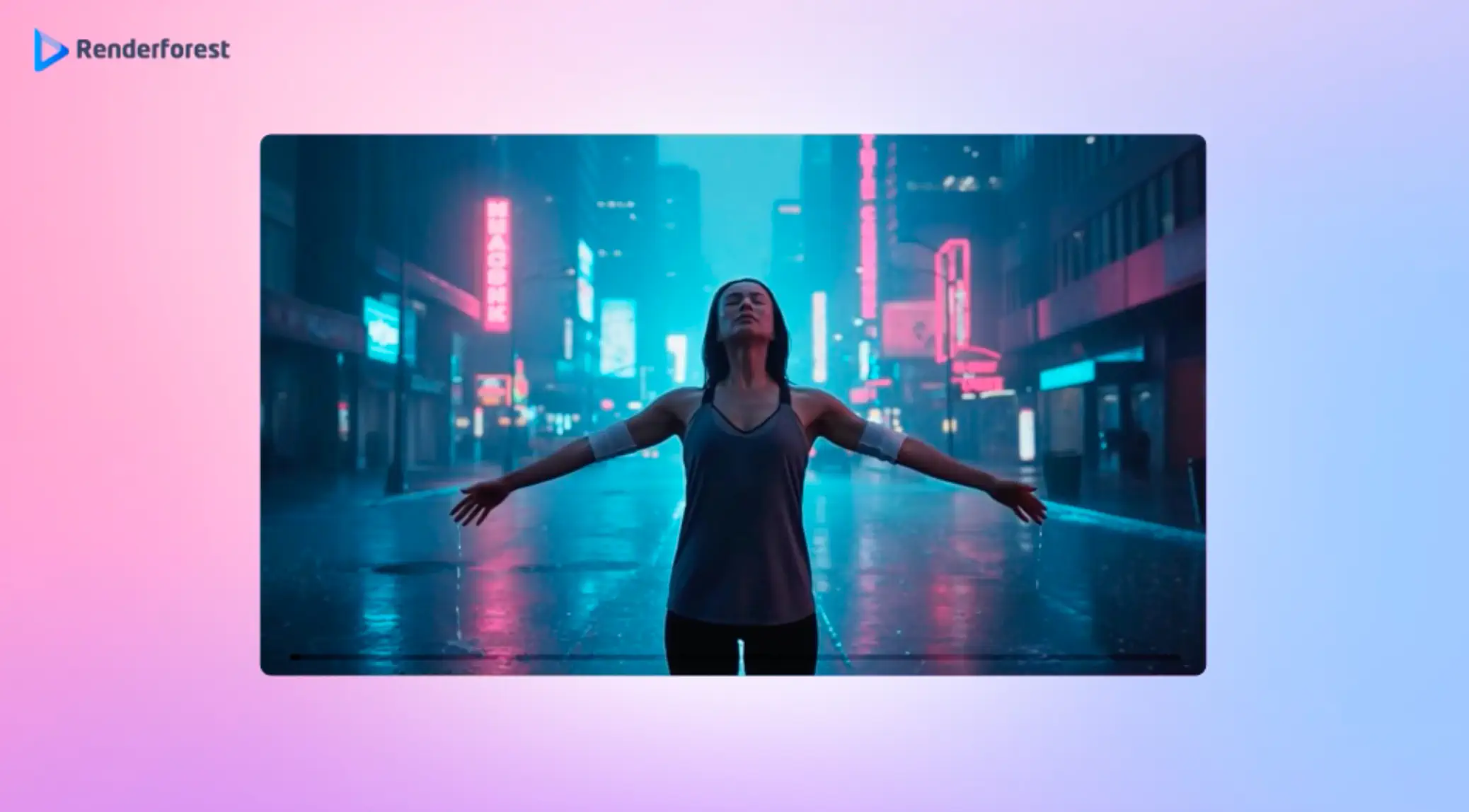
Your sound has a look. Pick a style and the music video generator opens with that direction written in. Add your track and generate.
Upload an MP3 or WAV. Renderforest analyzes its tempo, energy and lyrics. Add a prompt or reference images if you want creative control, such as a face, a logo or a location the AI should keep.
Drop your trackChoose a style and format: 16:9 for YouTube, 9:16 for TikTok and Canvas. Generate with Renderforest for free, or pick Kling 3.0 or Seedance 2.5 for cinematic shots.
Pick a style and modelYour video arrives cut to your track's rhythm. Swap any scene, extend the story with Smart Add and fix details with Smart Edit, then export in the format you picked.
Fine-tune and publishOne track, every asset the release needs: the premiere, plus the loops and teasers around it.
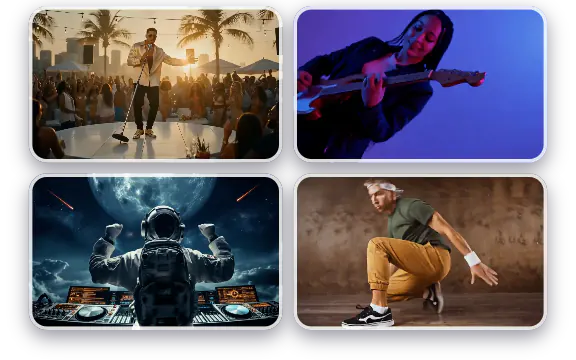
A story-driven video for the single, with characters that stay consistent, scenes that follow your lyrics and cuts that follow your beat. Premiere it on YouTube the day the track drops.
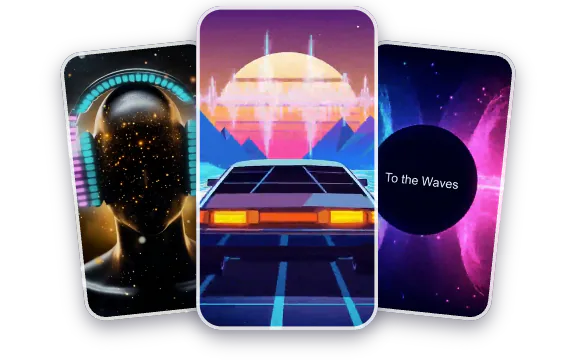
Canvas is a 3–8-second vertical loop that plays in place of your cover art in Spotify's Now Playing view. Export a 9:16 MP4 at 720–1080 px. Since a Canvas can't sync to lyrics, build seamless abstract or b-roll loops rather than singing shots.
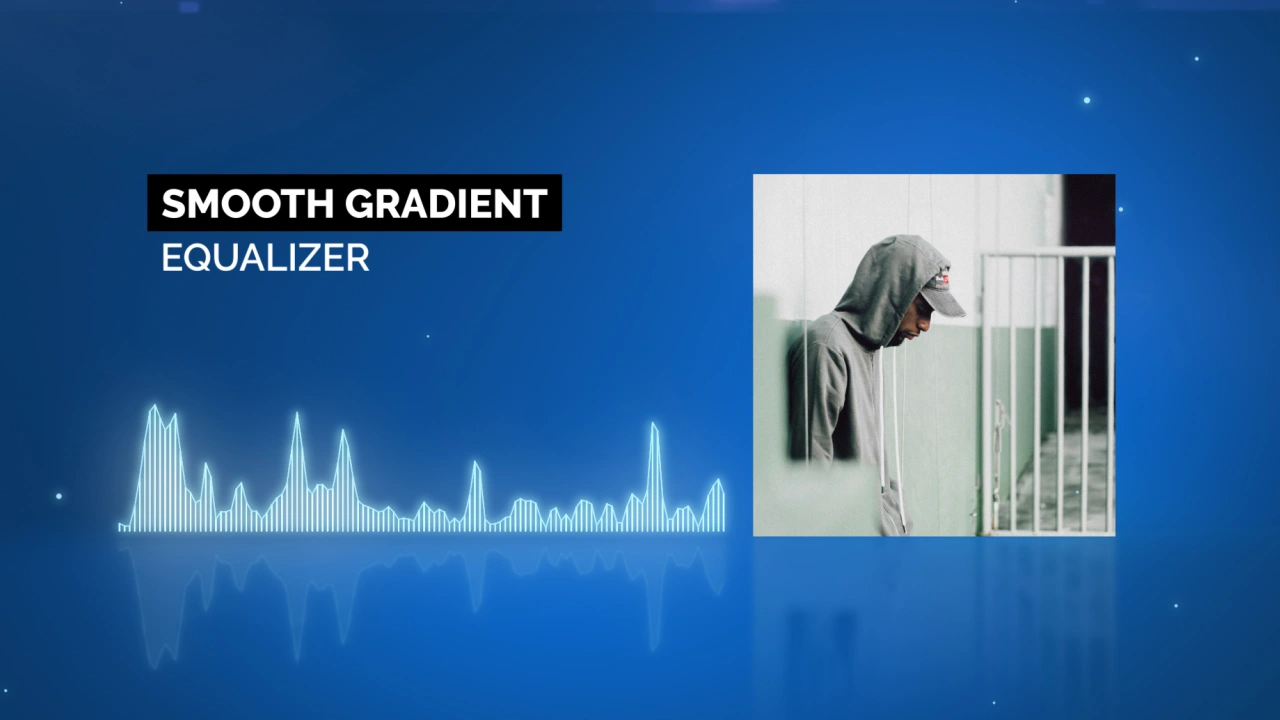
Music visualizer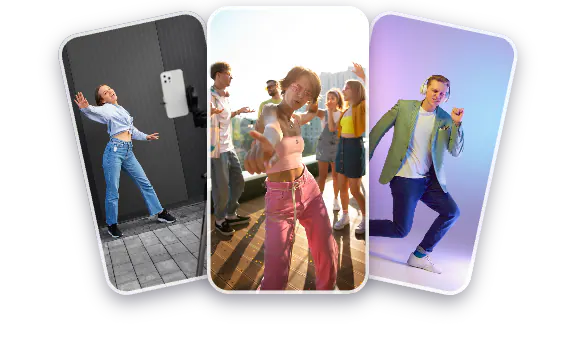
Cut the drop into 15–30-second vertical teasers with hook-first pacing. Make a few variants and see which one your audience picks up.
AI TikTok video generator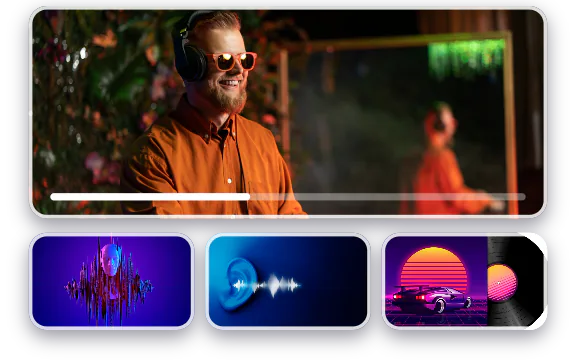
Full-length, beat-reactive visuals for every track, consistent with your cover art, so the whole album plays as one body of work.
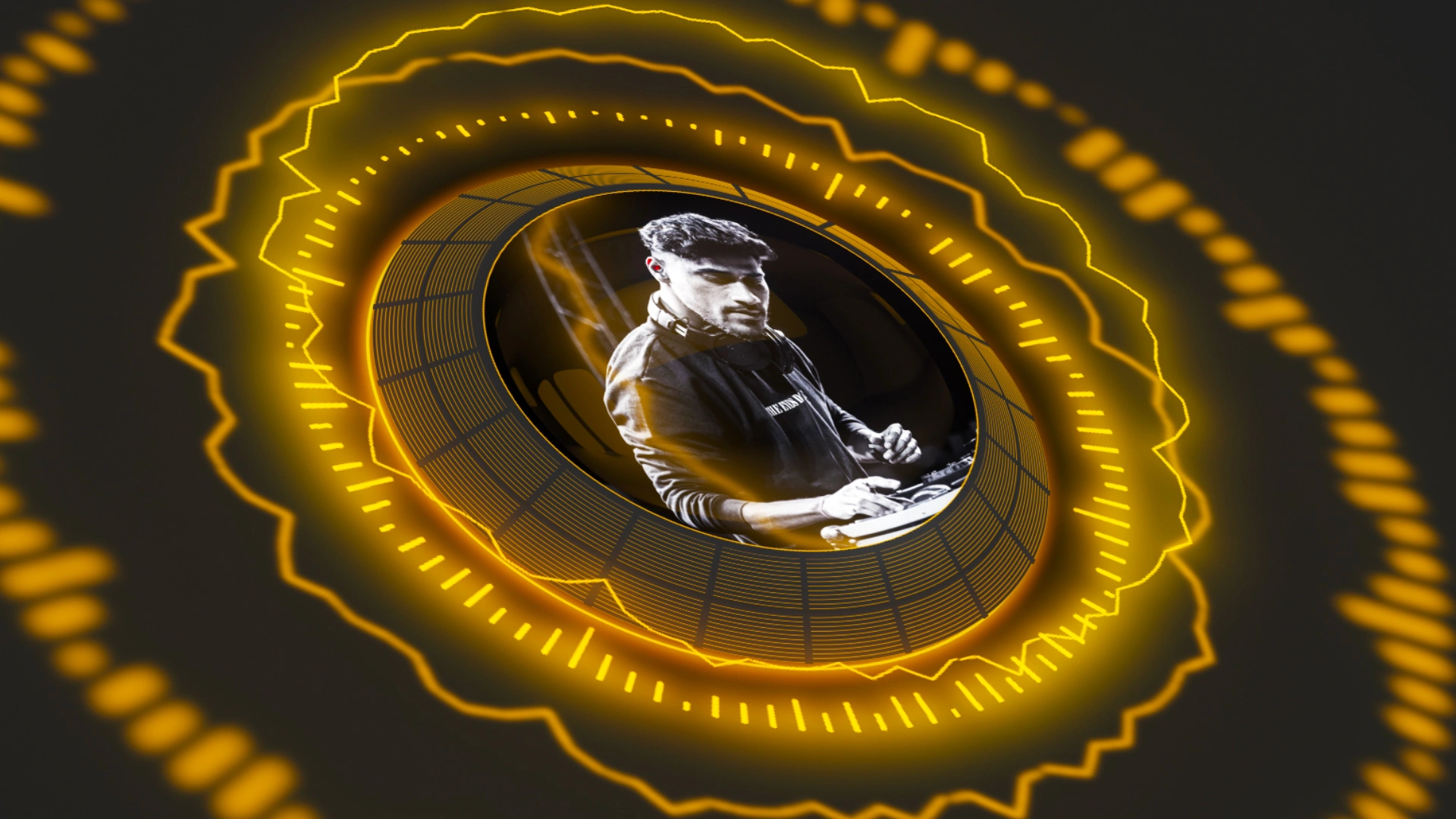
Music visualizer templatesRenderforest's AI Music Video Generator is built to serve a diverse and growing audience. From independent artists to global teams, it helps anyone create stunning music videos quickly, on a budget, and without editing skills.
Musicians use Renderforest's AI music video generator to create full music video clips, visualizers, teasers, and promo videos for their songs. AI helps them turn ideas into polished, story-driven visuals that support single releases, album rollouts, and social media campaigns with ease.

Producers and DJs generate energetic AI music video clips and beat-reactive visuals that enhance their tracks, mixes, and live sets. Renderforest makes it fast to create eye-catching edits for releases, performances, and social promotions.

Labels and managers rely on Renderforest to produce consistent, scalable music video clips across multiple artists. AI speeds up production, maintains visual branding, and delivers platform-ready content for YouTube, TikTok, and more.
Content creators transform audio into dynamic AI music video clips and short-form visual content. From vertical edits to full-length videos, AI allows them to produce engaging visuals without complex tools or editing skills.
Podcasters turn episodes and spoken segments into compelling AI video clips using animated scenes and reactive visuals. It's an easy way to make audio content more watchable on YouTube and social platforms.
Beatmakers create polished music video clips with AI, and stylish visualizers that showcase their beats. Renderforest helps them present instrumentals professionally and build a recognizable visual identity across platforms.

Vibe creators and streamers use Renderforest to build atmospheric AI music videos and looping visuals that enhance their streams or playlists. AI makes it simple to match the mood and keep audiences engaged.
Two premium models carry the music video flow; the rest of the stack is one click away.
Multi-shot generation with up to six shots per clip and storyboard control. Lock a performer’s look from up to 7 reference images or a 3–10-second clip, so your artist appears consistently in every scene.
Explore Kling 3.0One-take shots up to 30 seconds. Feed it up to 50 references (images, video clips, even audio) and it holds your visual identity across the whole video.
Explore Seedance 2.5One subscription's credits cover every model.
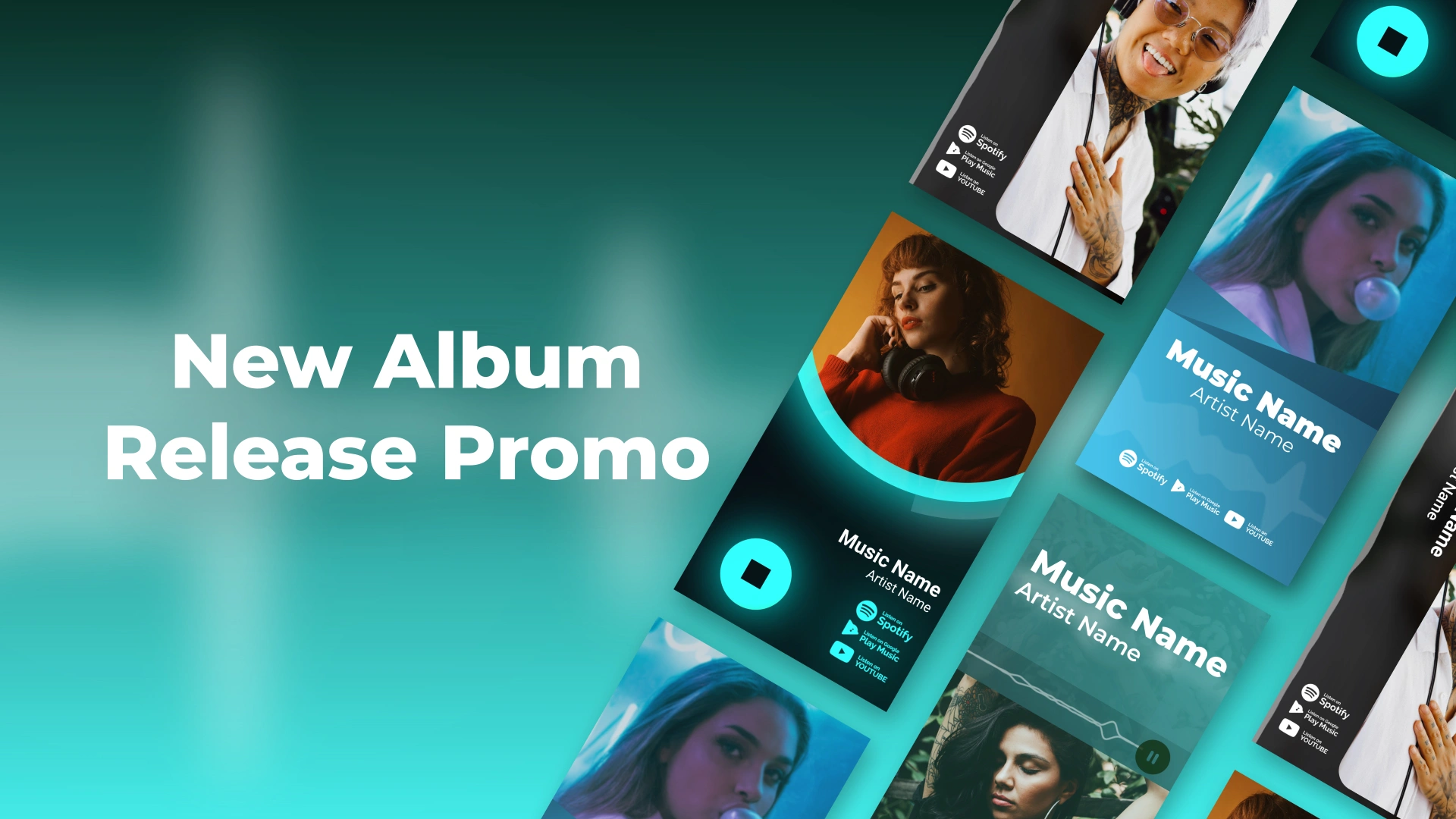
Explore AI-powered music video templates designed to sync with your track's rhythm and support every format, from YouTube to TikTok and Spotify Canvas.
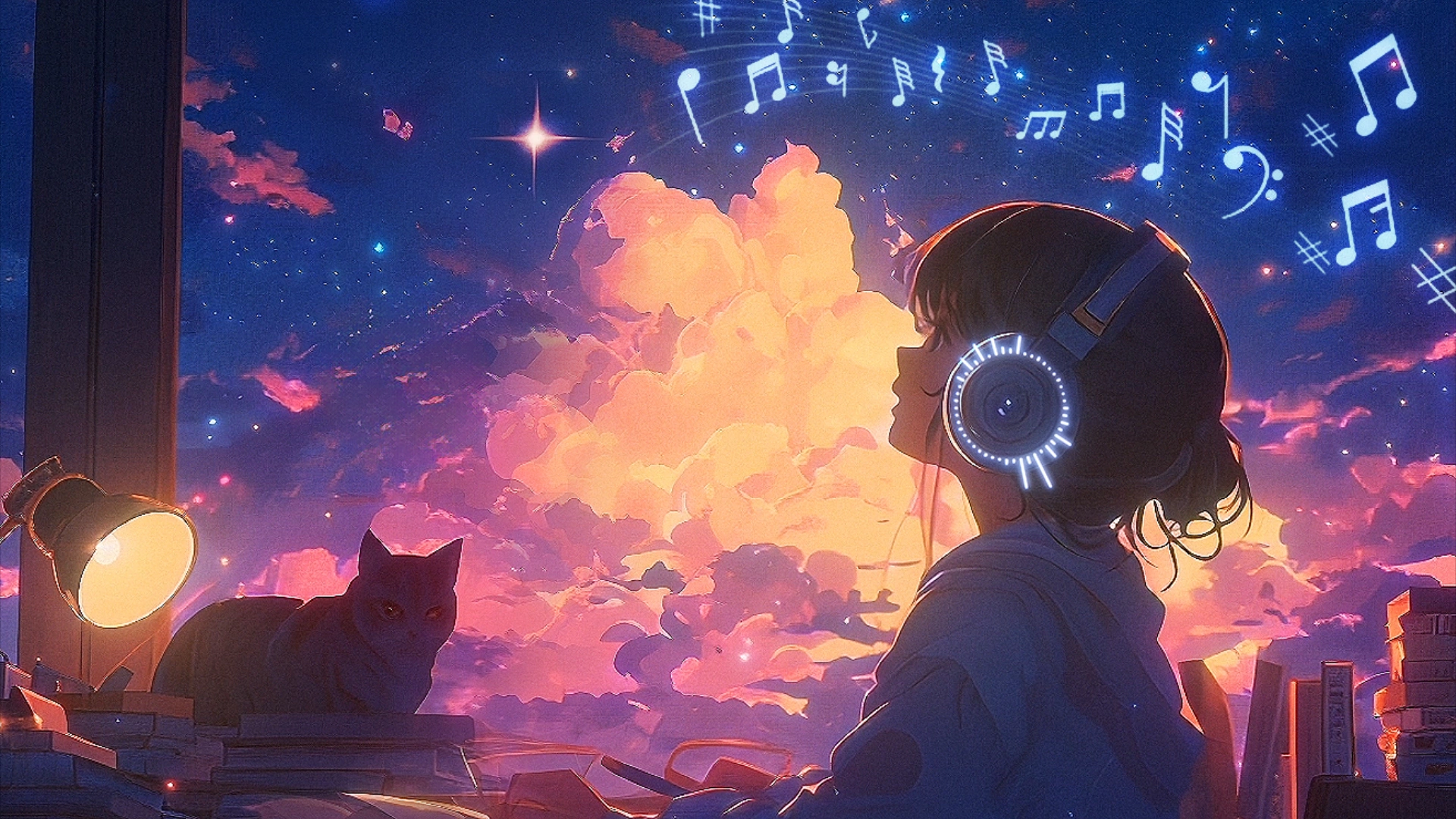
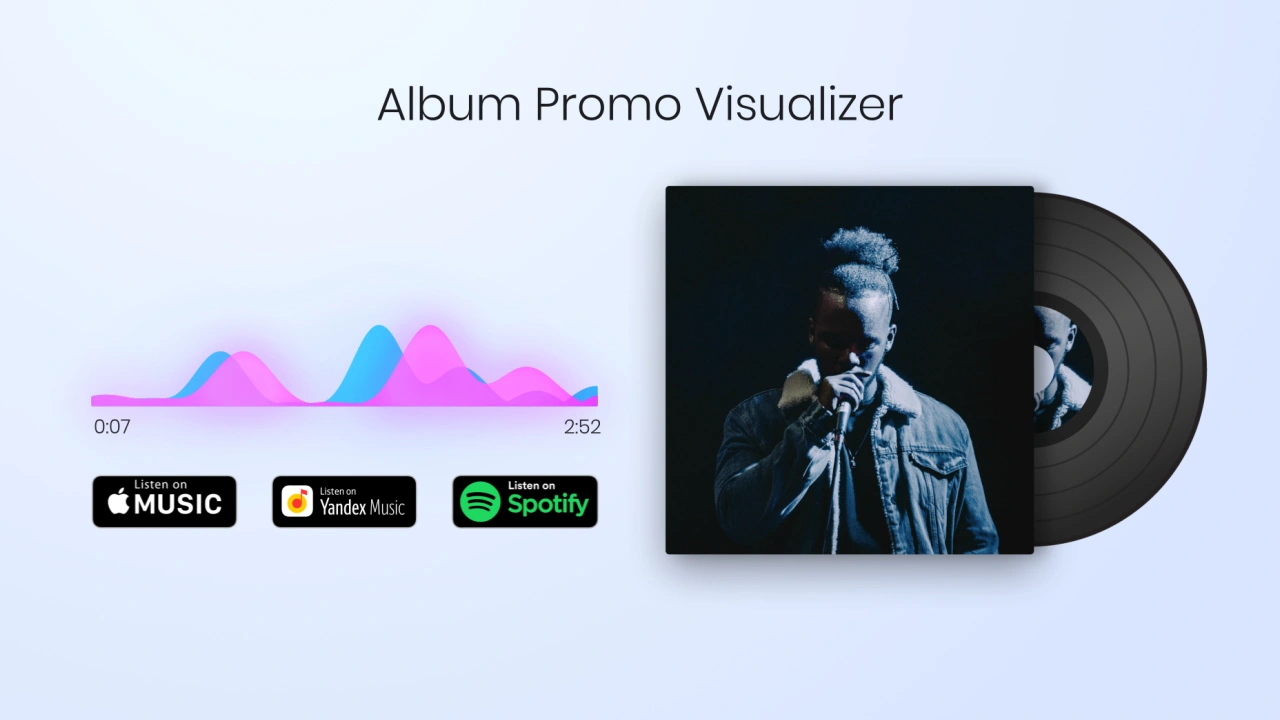
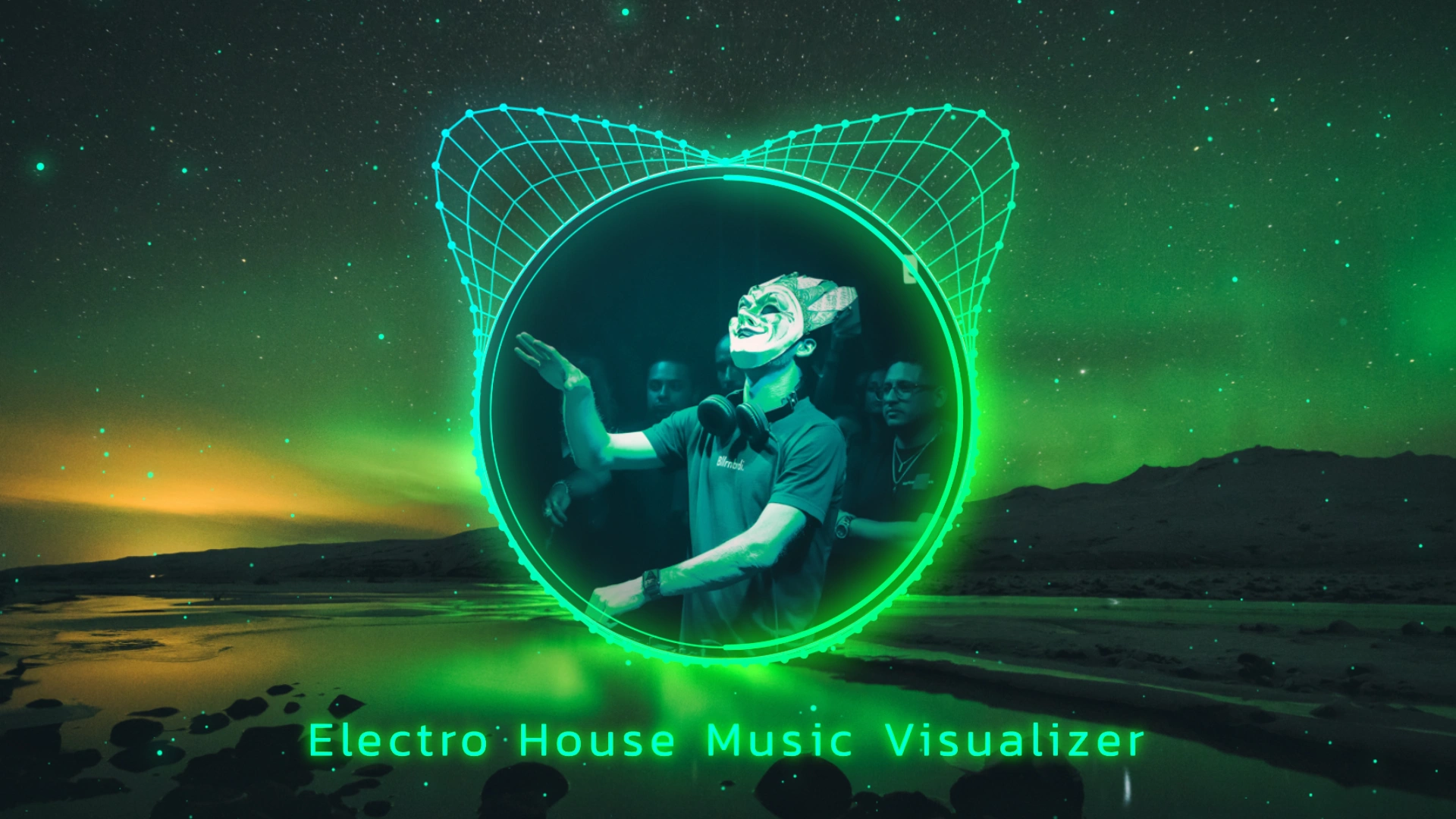
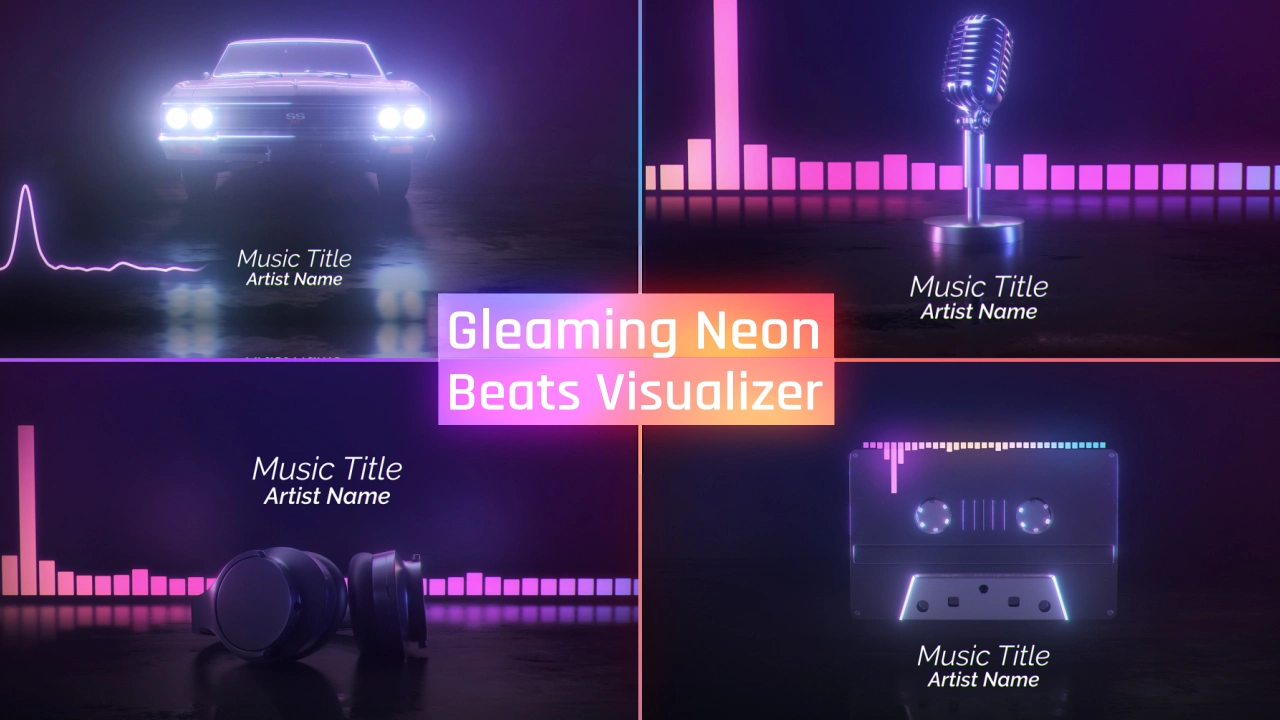
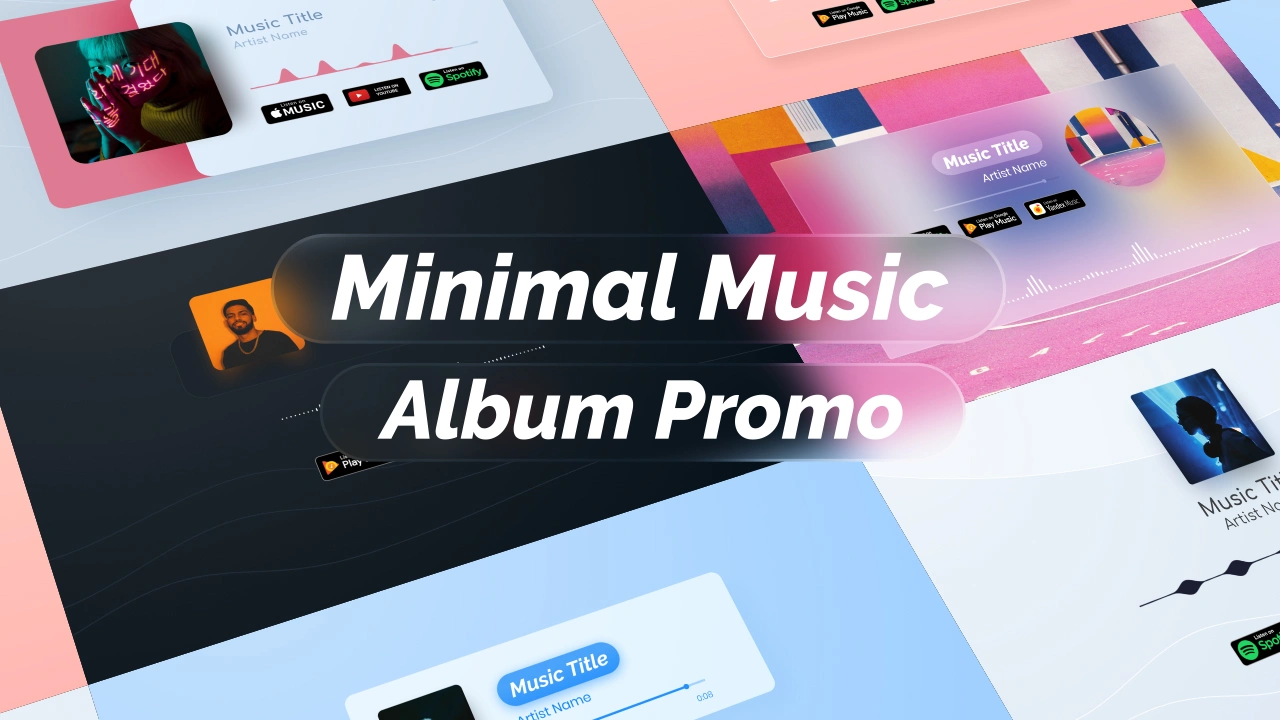
What you can do with the video once it is done.
Publish, promote and monetize your music videos on YouTube, TikTok, Instagram and streaming platforms.
Export your finished video in high quality without a watermark on any paid plan.
Made the track with Suno or another AI tool? Export the audio as MP3 or WAV and upload it. You're responsible for holding the rights to the audio.
I use renderforest's services mainly for music visualizers, I have tried many other visualizer services and based on my experience renderforest blows every other service I've used out of the water in virtually every way.
The benefit of using this software is that it only takes me a matter of minutes to make highly quality videos for my music as opposed to hours of video editing like I used to do.
I use Renderforest for my YouTube music videos and intros. I love how it makes it possible to have a visualizer for my music rather than just a basic image, making my whole work more professional and streamlined.
I use music visualization videos every week and they're fast and convenient to use.
When ever I need to create a video such as a slide show, animated logo, a music visual video or anything else Renderforest saves me so much time.
I am also a YouTuber and RenderForest has made it possible to pursue my passion in music by making it easy to deliver beautiful audio visualizers for my channel.
We had a few audio tracks that we wanted to post on YouTube and Renderforest made it easy to immediately get started with a cool and fun video for the song without knowing any video editing skills.
Video looks great, nice quality and uniquely customisable … Had a great impact on the release of Iriis (band) first single
Because I'm on a budget, I found this website great for independent budding artists like me who do not have access or money to reach PR companies.
Also like their music visualization. Looking forward to trying their animation in some of my music videos!
It took me less than 5 minutes to produce a professional video! … I had to create a music video on a very small budget. This was able to produce that in a short amount of time.
Its incredibly easy to develop a high quality product that makes people wowed. There is an incredible music visualizer response.
It has a lot of tools for every taste, new templates for producing videos for YouTube and Instagram are constantly being added. There is a visualizer for music, a lot of stock photos and videos.
The graphics are clear and the videos come out looking as if you paid a few hundred dollars to have them done.
A traditional music video shoot starts in the thousands. Start free with test credits, then upgrade for watermark-free exports, the premium models and unlimited Renderforest Fast renders: up to 720p on Pro, up to 1080p on Business.
An AI music video generator turns a song into a finished video automatically. You upload a track; the AI analyzes its tempo, mood, structure and lyrics, then generates scenes and edits them so the cuts follow the beat. Renderforest generates story-driven videos, beat-reactive visualizers and Spotify Canvas loops from your track.
Upload your MP3 or WAV, add an optional prompt or reference images, then pick a style, format and AI model. Generate, and the video arrives cut to your track’s rhythm. Fine-tune scenes in the editor and export in HD.
Yes. Renderforest is free to start, with no credit card. Generate with Renderforest using free test credits, preview beat-synced results and test styles. Paid plans add watermark-free export, HD, the premium models and commercial use.
No. The platform is designed for beginners and professionals. You can let AI generate everything for you or customize your project inside the editor with simple tools. You never need to use advanced editing software.
Yes. You choose the format at the beginning of your project. You can create vertical 9:16 videos for TikTok, Instagram Reels, and Shorts or horizontal 16:9 videos for YouTube and desktop viewing. Your entire workflow adapts to the format you select.
Yes. You can generate images with AI models like Nano Banana Pro, GPT Image 2, Grok Imagine, Seedream 4.5 and Flux 2 Pro, and turn them into animated scenes with video models such as Kling 3.0, Seedance 2.5, Veo 3.1, MiniMax H3, Pixverse and Renderforest's own models.
Yes. You can upload your own video clips or performance footage and blend them with AI-generated visuals for a hybrid music video. Many artists prefer this because it creates a unique style combining real footage with AI animation.
Yes. On paid plans you receive commercial usage rights. You can publish, monetize, promote, and distribute your music videos on any platform including YouTube, TikTok, Instagram, Spotify Canvas, and streaming services.
Your exported video is ready for YouTube, TikTok, Instagram Reels, Facebook, X, Vimeo, Spotify Canvas, or any social or music platform. You choose the aspect ratio at the start so everything fits perfectly when you publish.
It is built for artists, producers, DJs, beatmakers, labels, content creators, podcasters, vibe creators, and anyone who needs music video clips, animated stories, or beat-synced visuals.
Yes. Renderforest allows you to create full-length music video clips for any song. You can build videos scene by scene with AI-generated images and animations or use AI Story Draft to generate a complete video in one prompt. You can also mix your own footage with AI scenes for a more personal style.
Renderforest analyzes your audio to detect tempo, energy, transitions and the important moments in your track, then places scene changes, movement and animation to follow the rhythm, with no manual keyframing. The result is a naturally synchronized video even without editing.
You can upload your audio in popular formats such as MP3 or WAV. The editor analyzes your track immediately so you can start creating your visuals.
Yes. You can use Smart Add to continue your story in the same style or Smart Edit to replace objects or elements in an already generated scene. This gives you full control over the final look of your video.
Simple visualizers and short clips generate within minutes. Full story-based videos take more time because the AI generates images, animations, and scene transitions. Even complex videos are still much faster than traditional video editing or production.
Yes. Create a short vertical loop and export it as a 9:16 MP4. Spotify's Canvas spec is 3–8 seconds and 720–1080 px tall. Spotify recommends footage without talking, singing or rapping, since a Canvas can't sync to the lyrics, so abstract or b-roll loops work best.
Yes. Export your track as MP3 or WAV from any tool that grants you rights to the audio and upload it. You're responsible for the audio rights; commercial use of the video comes with a paid Renderforest plan.
A traditional music video shoot runs from thousands to seven figures. With Renderforest you start free with test credits, and a paid plan costs less per month than a single studio hour. Current prices are on the Renderforest pricing page.
More AI video tools to power your workflow.
Drop your track and get a beat-synced music video with story scenes, visualizers and Canvas loops, ready to release.
Generate AI music video